Pose and animate a rig: FK and IK
Pose a rig by dragging its bones. Drag a bone and it turns at its joint, carrying the bones below it (FK, forward kinematics); drag the tip at the end of a chain and the bones above it turn to reach the pointer (IK, inverse kinematics). Each pose is keyed on every bone of the rig.
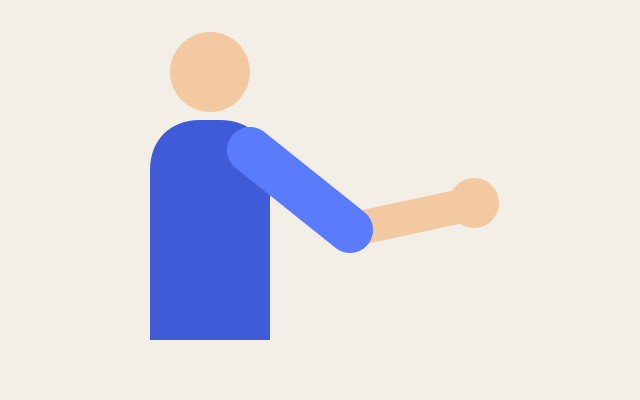
The arm lifts at 1s, reaches up by 2.5s and starts over: two poses, each a keyframe on every bone. This one is the real exported SVG, playing.
Step by step
Move the playhead to 1s
Drag the red playhead along the time ruler to 1s. The first pose goes there.
Turn the upper arm (FK)
With the Select tool, drag Bone 1 up around the shoulder. It turns at its joint and everything below it follows: that's FK. Every bone of the rig gets a keyframe at 1s.
Move the playhead to 2s
Drag the playhead on to 2s, for the next pose.
Reach up with the hand (IK)
Drag the round tip of Bone 2, at the wrist, upwards. Both bones turn so that the tip follows the pointer: that's IK. Alt+drag on a bone does the same.
Retime a pose
In the timeline, Bone 1 has a Pose row with a diamond at each pose. Drag the one at 2s to 2.5s: the keyframes of every bone at that time move with it.
Play it
Press Space. The arm lifts, reaches up, holds until the end of the 3-second animation and starts over.
Keys
| Space | Play and pause |
| J K | Jump to the previous or next keyframe |
| Alt B | Show or hide bones |