Pins and mesh warp
Pins bend artwork without bones. Put pins on a shape and drag one: the artwork bends, held by the pins that stay put. A path bends through its own nodes; an image, a text or a group bends through a mesh of triangles laid over it.
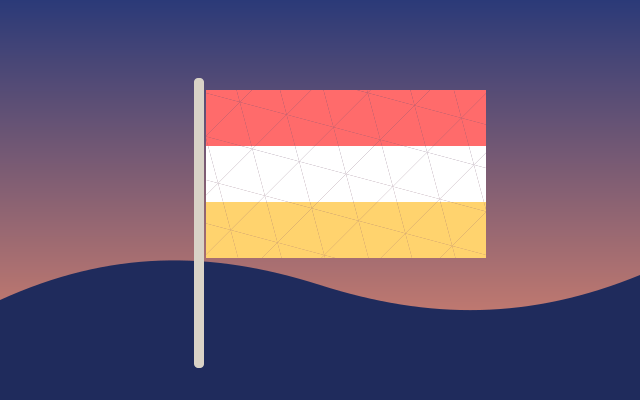
The flag's free end swings down in 1.5 seconds, bending the whole flag, then holds and starts over. This one is the real exported SVG, playing.
Step by step
Pick the Pin tool
Press W. The Pin tool is in the pins button of the tools on the left.
Pin the flag by the pole
Click the flag close to the pole. A pin appears where you clicked, and a mesh of triangles covers the flag: it's a group, so it bends through the mesh.
Pin its free end
Click near the other end of the flag for a second pin. A pin you don't move holds the artwork where it is.
Move the playhead to 1.5s
Drag the red playhead along the time ruler to 1.5s.
Bend the flag
Drag the second pin down. The flag bends between the two pins, and the pin gets its own track, Pin 2: at rest at 0s, bent at 1.5s.
Play it
Press Space. The flag bends until 1.5s, holds until the end of the 3-second animation and starts over.
Keys
| W | Pin tool |
| Del | Remove the selected pin |
| Alt P | Show or hide pins |
| Space | Play and pause |